
Rent a GPU.
Pay by the second.
Explore GPU configurations for training and inference. Live rentals are being prepared; provider availability and pricing will be confirmed before deployment.
- Billed every second
- Compare GPU configurations
- Prepaid billing
- Disk kept when you stop
Runs the tools you already use
 PyTorch
 Hugging Face
 vLLM
 ComfyUI
 Ollama
 Jupyter
 Docker
 Ubuntu
 CUDA
Three kinds of GPU.
Compare memory and performance.
Pick by memory, speed and price. Every card runs in its own pod with its own disk, and you see the price before anything starts.
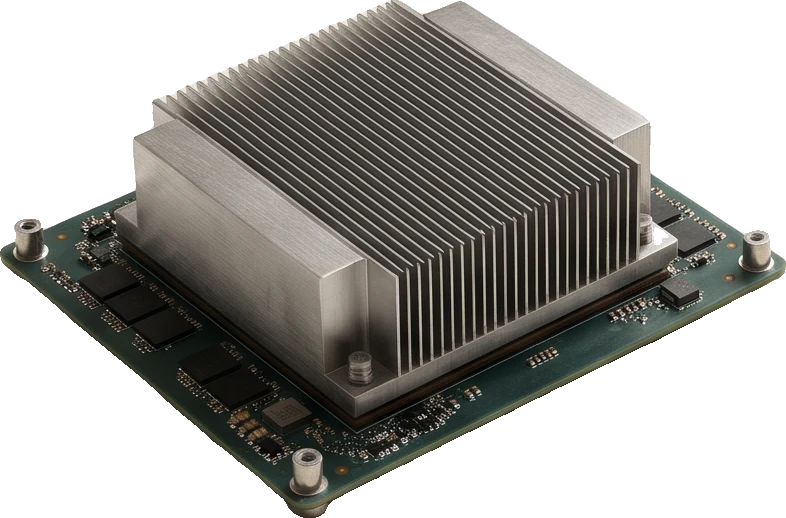
SXM modules
The fastest links between GPUs. For training and fine-tuning across several cards.
H200 SXM, H100 SXMfrom $3.49/hr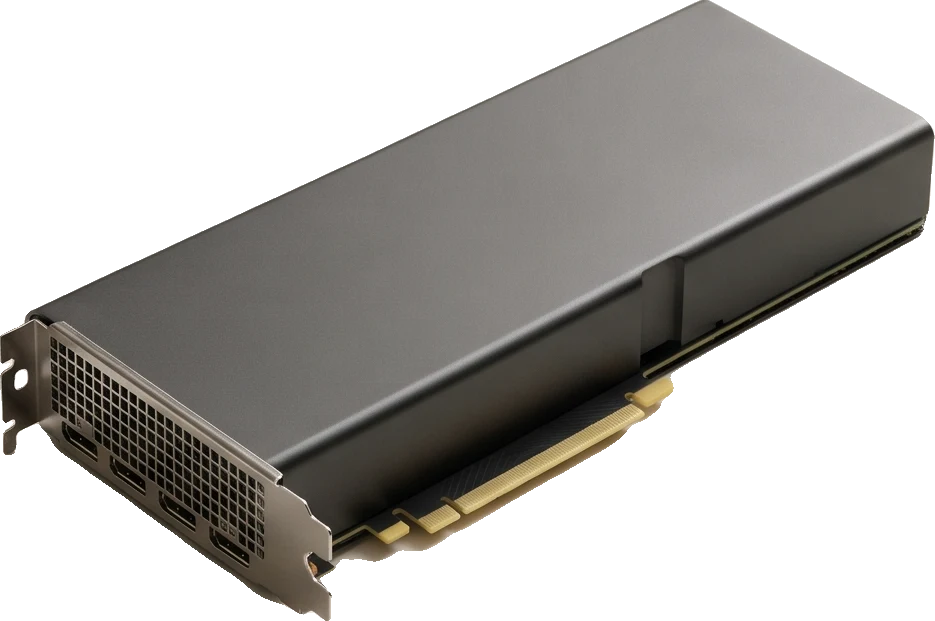
Data-centre PCIe
Large memory, built to run all day. For serving models and long batch jobs.
H100 PCIe, A100 80GB, L40Sfrom $0.99/hr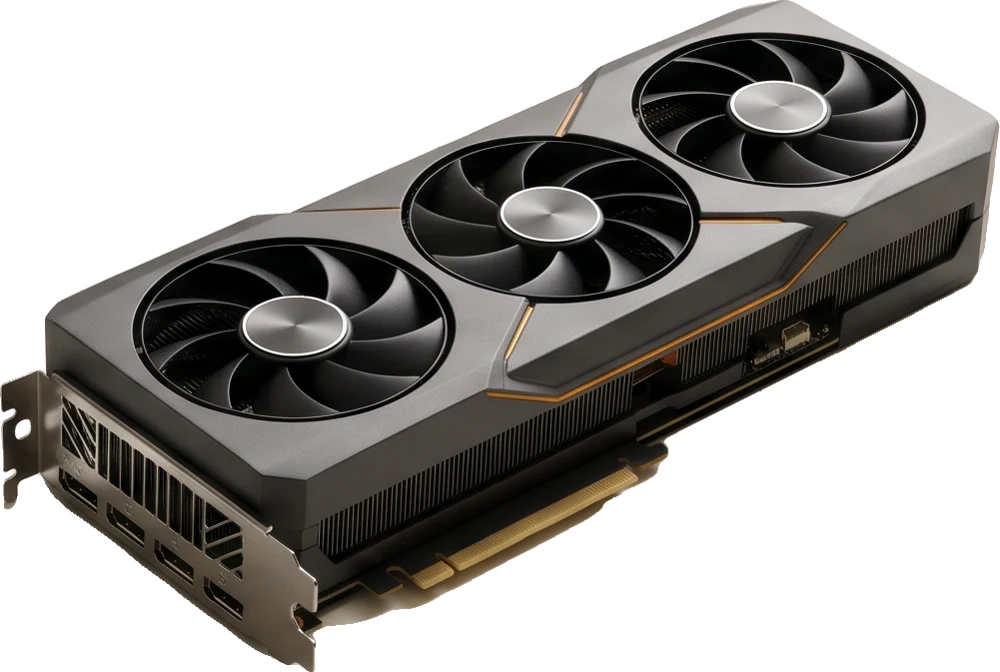
RTX cards
The most compute per dollar. For image and video models, and small LLMs.
RTX 5090, RTX 4090, RTX 3090from $0.39/hrStart from the work,
not from a server.
Explore template options for popular workloads. Deployment support and availability are shown in the console.
Fine-tuning
Train a LoRA or a full fine-tune on your own data.
- H100 SXM, 80 GB
- PyTorch template
- Pulls the base model
- Trains over SSH
- Stops, disk kept
Serving an LLM
An OpenAI-style API in front of an open model.
- A100, 80 GB
- vLLM template
- Loads Llama or Qwen
- Answers on port 8000
- Billed while up
Image and video
Flux, SDXL and video models in the browser.
- RTX 4090, 24 GB
- ComfyUI template
- Your workflows
- Renders in the browser
- Outputs on the disk
Notebooks
A GPU behind Jupyter for research and quick tests.
- L40S, 48 GB
- JupyterLab
- CUDA ready
- Stop at lunch

When the job ends,
the meter stops.
A prepaid balance, billed every second a pod runs. A stopped pod costs only its disk, and nothing is charged before you confirm the price.
Billed every second while it runs.
- You see the price first. Every deploy shows the hourly rate and how long your balance lasts.
- Stop means stop. GPU billing ends the second the pod stops. The disk stays for $0.10 per GB a month.
- No surprise bills. When the balance runs out, pods stop. Retained disks can continue to incur charges.
Clear prices.
No surprises.
Per GPU, per hour, billed by the second. Disk is $0.10 per GB per month. No setup fee and no minimum term.
Choosing a card.
For serving language models, memory bandwidth per dollar matters more than the name on the card. For training, memory decides what fits.
How fast the card reads its memory for each dollar you pay per hour. For LLM inference this is the number that tracks tokens per second per dollar. Unit: GB/s per $1/hr.
- 01RTX 309024 GB · $0.39/hr0bestDeploy
- 02RTX 509032 GB · $1.09/hr0Deploy
- 03RTX 409024 GB · $0.74/hr0Deploy
- 04A100 80GB80 GB · $1.59/hr0Deploy
- 05H200 SXM141 GB · $4.99/hr0Deploy
- 06H100 SXM80 GB · $3.49/hr0Deploy
- 07L40S48 GB · $0.99/hr0Deploy
- 08H100 PCIe80 GB · $2.59/hr0Deploy
Bandwidth: NVIDIA datasheets and product pages (peak, not sustained). Prices: nodest cloud, per GPU per hour.
Which models fit on one GPU
Llama 3.3 70B at 16-bit needs about 168 GB. It needs more than one GPU: deploy a pod with 2 or more.
Estimate for inference: 2 bytes per parameter at 16-bit, 0.5 at 4-bit, plus 20% for context and runtime. Long contexts need more.
Questions.
What happens when my balance runs out?
Running pods stop. Retained disks may continue to incur charges. Add credit and restart the pod from the dashboard.
Can I use my own image?
Choose from the templates available in the deployment form. Custom container images are not currently supported.
How do I connect?
Over SSH with the key from your settings, or in the browser for Jupyter and ComfyUI.
Where are the servers?
Locations depend on the GPU provider and available capacity. Live GPU rentals are being prepared; confirmed locations will be shown during deployment.
Can I reserve GPUs?
Reservations are not currently available. Contact support@nodest.cloud for questions.
Is there a contract?
No. Add credit when you need it and close the account whenever you like.
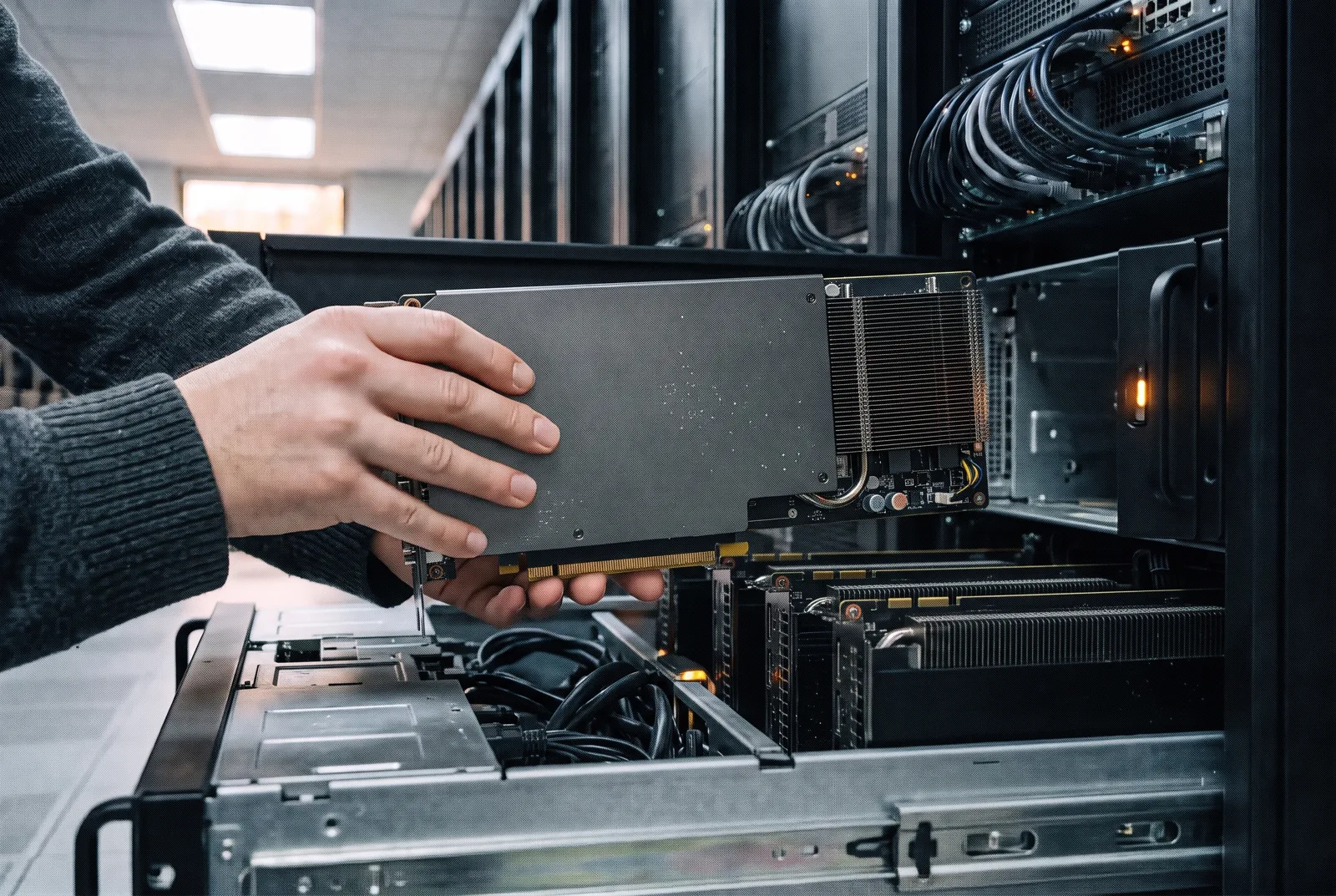
Prepare your next
GPU workload.
Create an account, add credit, pick a card. Nothing runs, and nothing is billed, until you confirm.